Toimituskulut on laskettu vastaanottajan postinumeron perusteella:00180 - Helsinki Vaihda postinumero
Syötä postinumero toimitusta varten: Tallenna
EUR
172,89
ilman ALV 137,76
Kokonaishinta sis. toimitus
172,89
Tämä toiminto vaatii sisäänkirjautumisen. Luo käyttäjä ja voit käyttää listojamme esim. säännöllisiä ostoksia ja toivelistoja varten Luo käyttäjä Kirjaudu
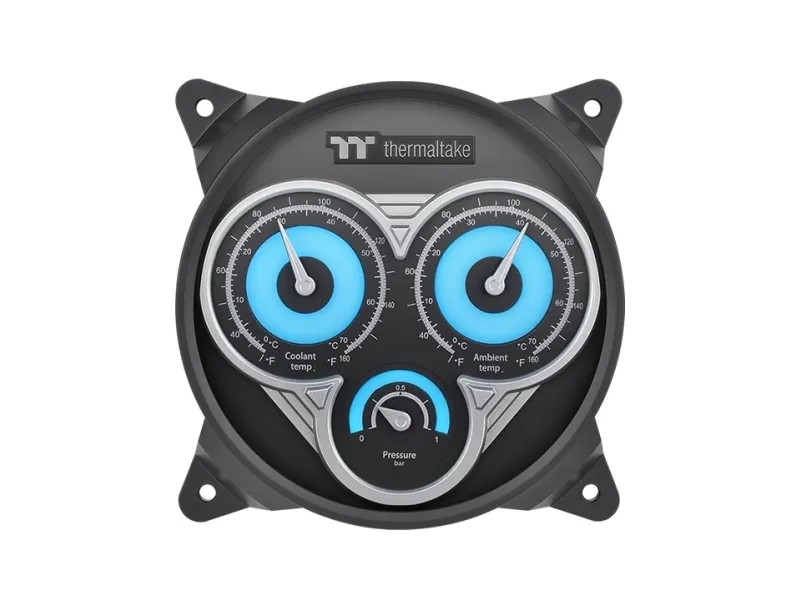
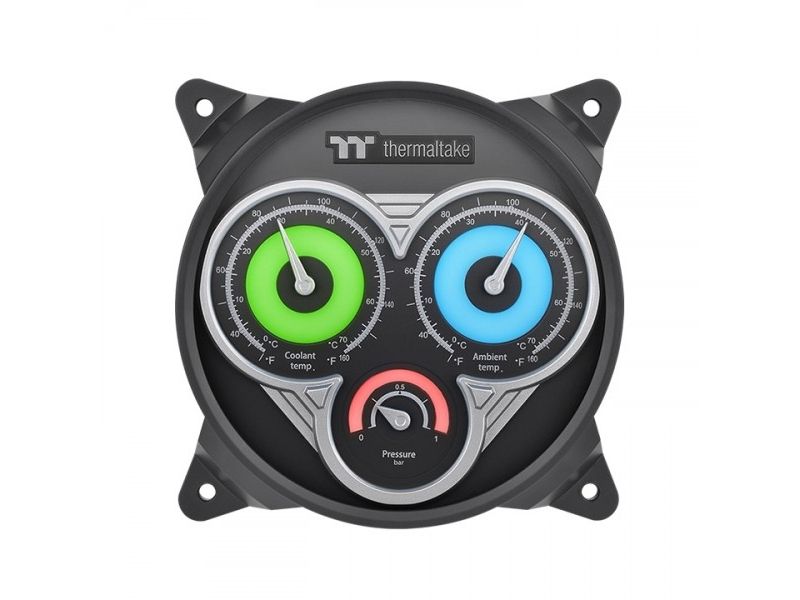
Monitor Your Liquid Cooling System Just Like When Driving Inspired by sports cars, we have designed this Liquid Cooling System Dashboard to mimic a car’s analog gauges for you to get the feeling of having all the information you need to know at a glimpse.
Get All the Info in a Glimpse As all compartments are upgraded, your monitoring system should be the same too. Pacific TF3 Liquid Cooling System Dashboard allows you to check your system’s real-time Coolant Temperature, Coolant Pressure, and even Chassis’ Ambient Temperature.
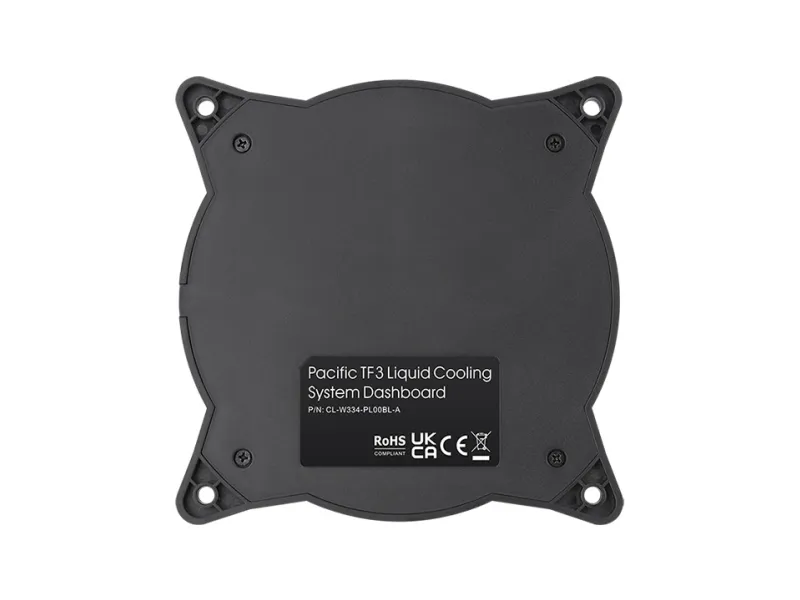
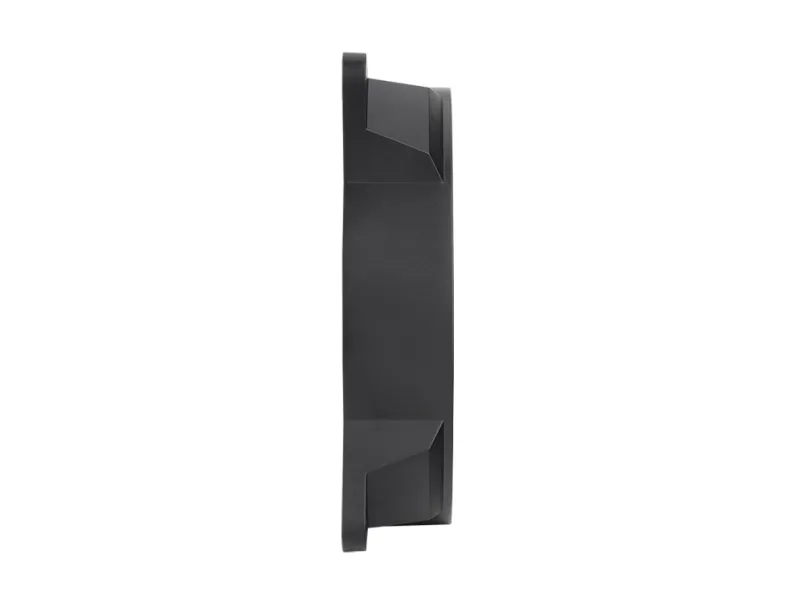
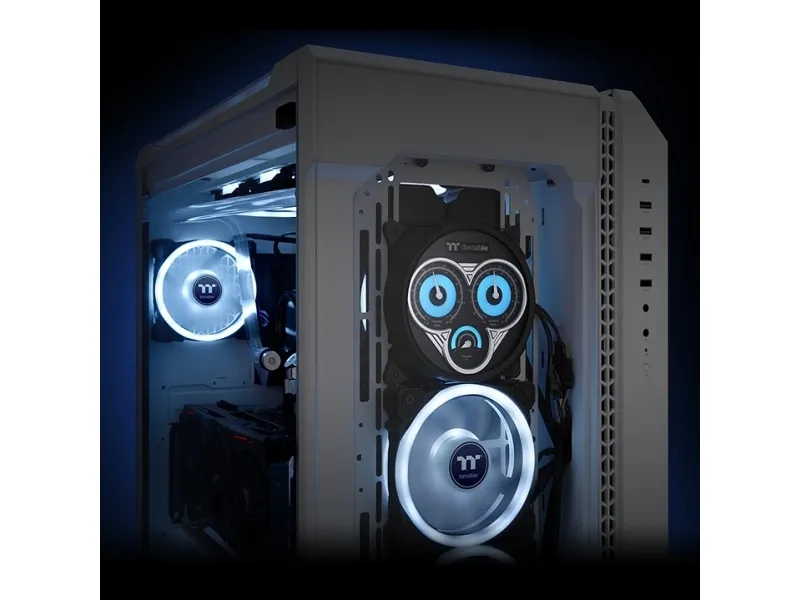
Install it Like a 120 mm Fan Pacific TF3 Liquid Cooling System Dashboard can be installed like a 120 mm fan in any 120 mm fan spot. The design allows it to be placed between tempered glass and radiators so you can either put it at the front or even at the top of the chassis.
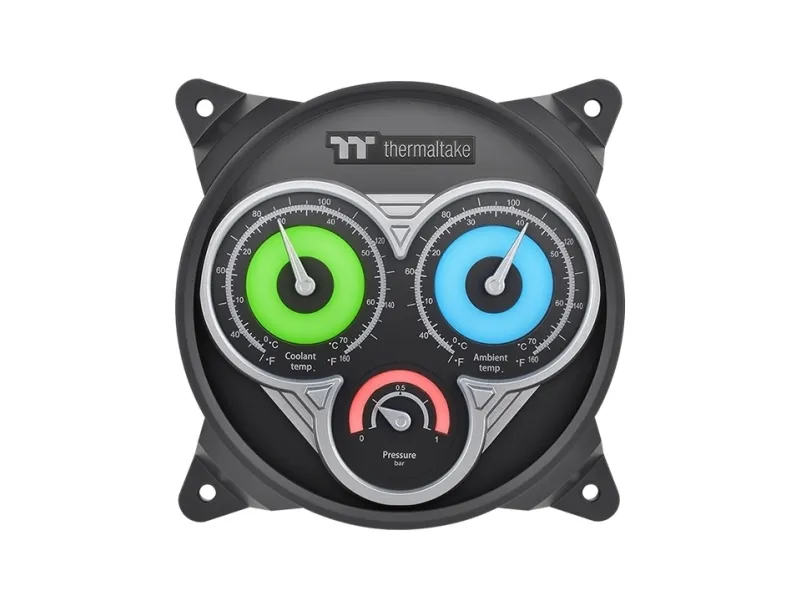
Spectacular RGB backlighting effects Featuring three RGB backlights on each dashboard, you may control their colors independently through TT RGB Plus 2.0 Software. Match up with all the other TT RGB Plus components to express all your lighting preferences through your build.
Coolant Pressure The coolant pressure section allows you to monitor the liquid cooling system to prevent possible leakage or system outburst. Maintaining the coolant pressure under 5.0 bar would be ideal; if exceeds 0.5 bar, a software warning may occur.
Coolant Temperature Learning the system's coolant temperature allows you to understand your system's efficiency at dissipating heat from your CPU, GPU, and other components. This product will detect overheating possibilities and give out software warnings for users to allocate system's problem.
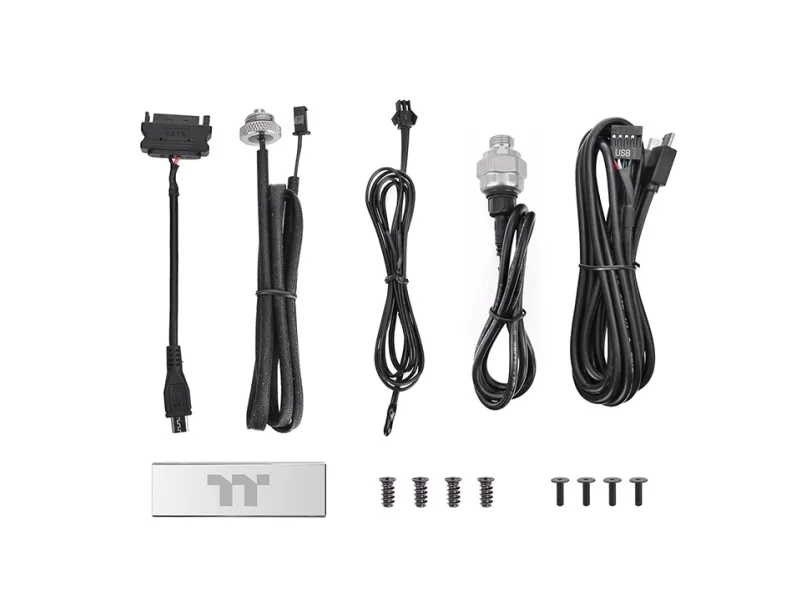
Chassis Ambient Temperature Adding a sensor cable to place anywhere in the chassis to monitor Chassis Ambient Temperature is new to the game. By placing the sensor cable in your desired spot in the chassis, you can learn if your chassis is dissipating heat effectively, thus keeping your entire system as cool as possible.
Sopii huoneisiin
Tietokonekotelo
Malli
Tuuletin
Tuulettimen halkaisija
12 cm
Tuotteen väri
Harmaa
Materiaali
ABS, Kupari
Virtalähde
2,5 W
Nimellisjännite
5 V
Nimellisvirta
0,5 A
Tuotteen leveys
120 mm
Tuotteen syvyys
25 mm
Tuotteen korkeus
120 mm
RGB-ohjain sisältyy
Kyllä
Löydämme tuotteen järjestelmästämme helposti seuraavalla tuotenumerolla
EAN:
4713227529501
SKU:
CL-W334-PL00BL-A
Miksi samalla tuotteella on monta eri tuotesivua tai tuotenumeroa?
Valmistajat usein julkaisevat saman tuotteen monella eri tuotenumerolla. Usein eroa on vain pakkauksessa. Eri tuotepakkaus saattaa olla suunniteltu eri valtioille.
Yritämme parhaamme mukaan laittaa samat tuotteet saman tuotenumeron alle, mutta joskus sama tuote on eri tuotenumeroilla sivullamme.