Tuotetta on etävarastossamme, toimitusaika noin 5-7 työpäivää. Lisätietoja
Toimitusvaihtoehdot - Valitaan kassalla
Lavatoimitus katutasolle (arkisin 8:00-16:00 ) – Takaraja klo 15.00 toimituksen lähtöön samana päivänä
151,20
Toimituskulut on laskettu vastaanottajan postinumeron perusteella:00180 - Helsinki Vaihda postinumero
Syötä postinumero toimitusta varten: Tallenna
EUR
3.560,50
ilman ALV 2.837,05
Kokonaishinta sis. toimitus
3.711,70
Tämä toiminto vaatii sisäänkirjautumisen. Luo käyttäjä ja voit käyttää listojamme esim. säännöllisiä ostoksia ja toivelistoja varten Luo käyttäjä Kirjaudu
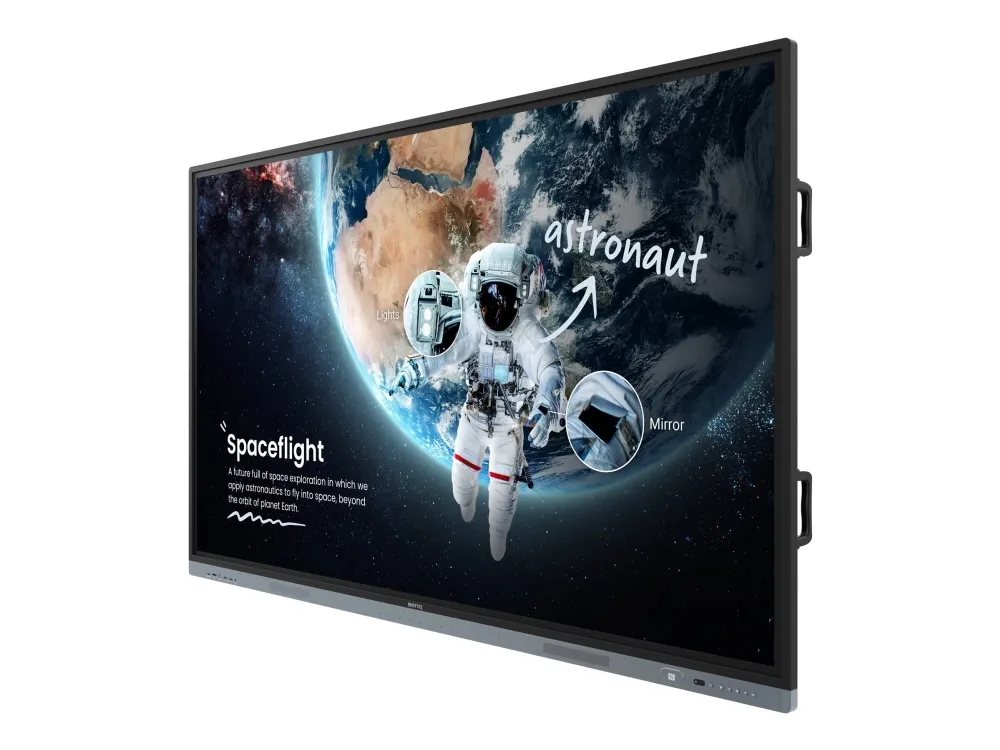
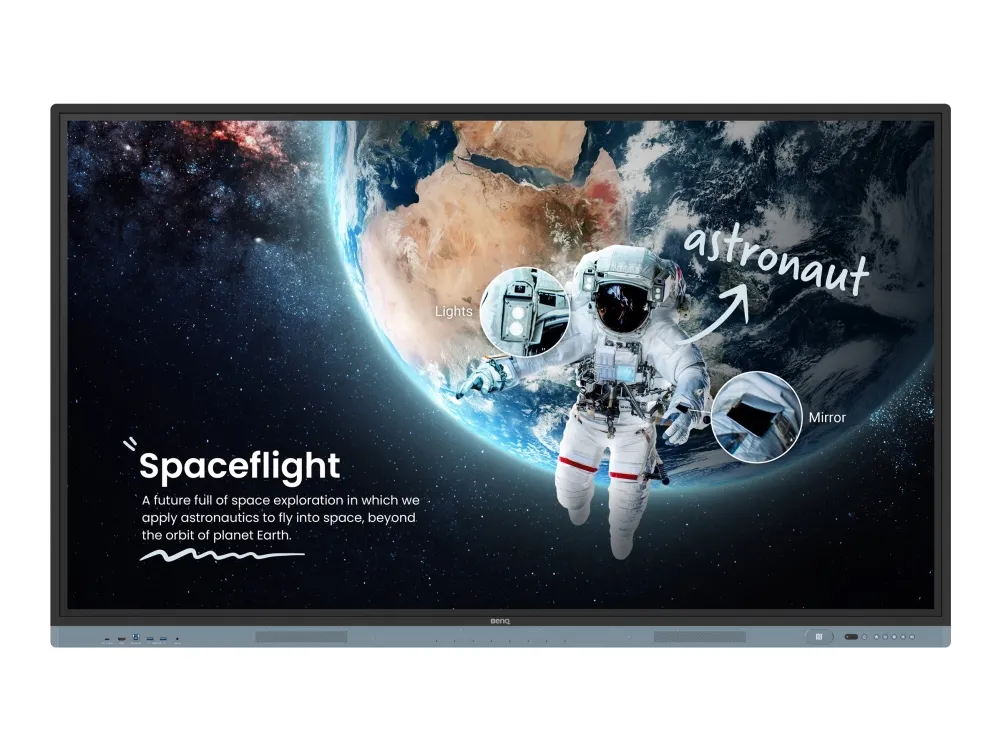
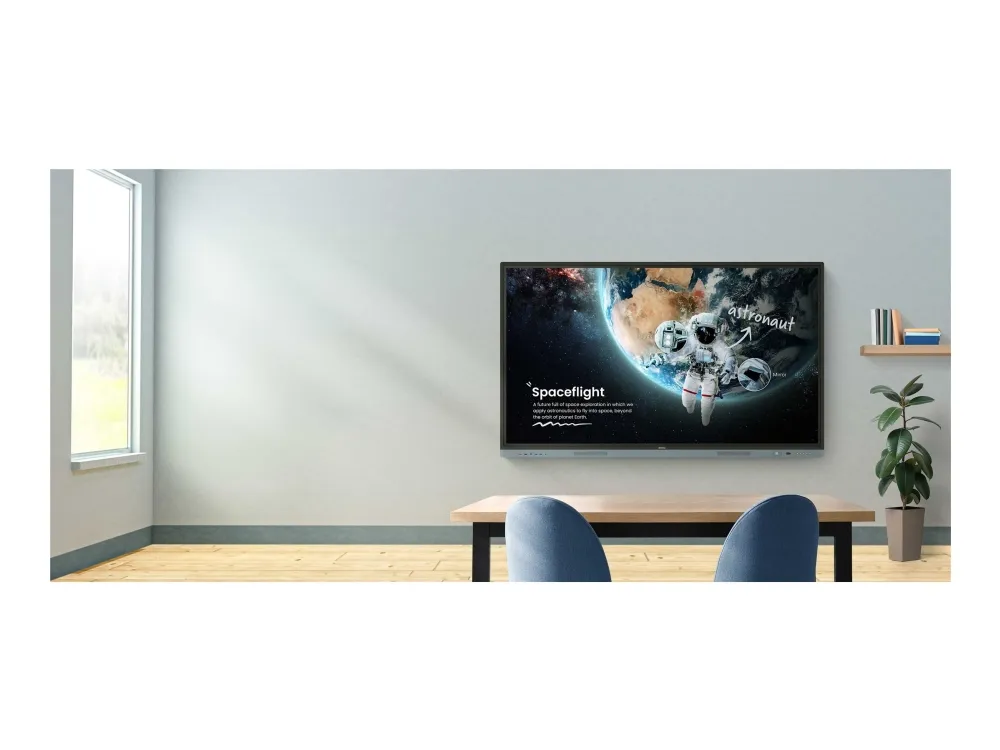
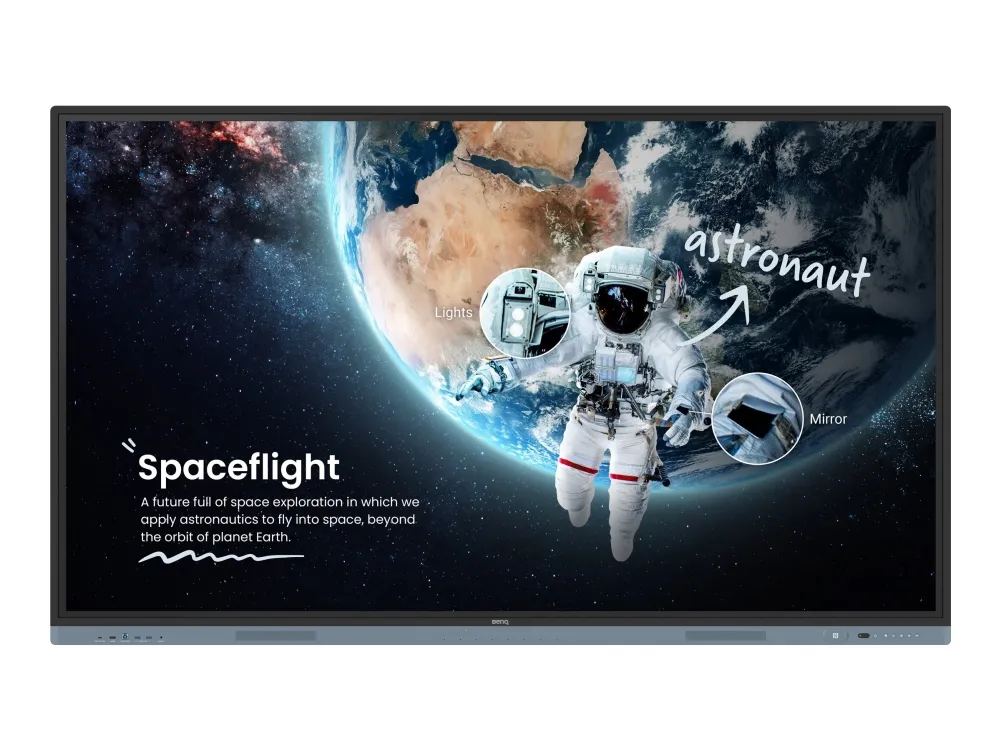
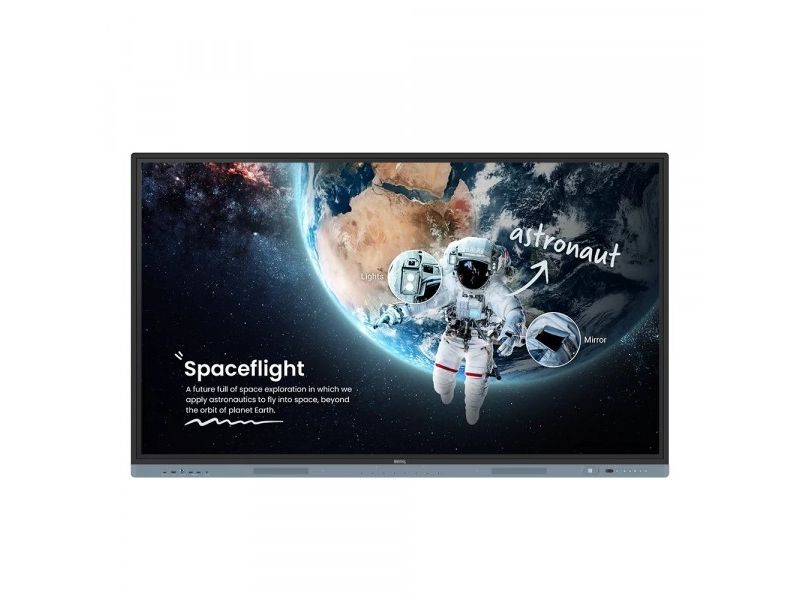
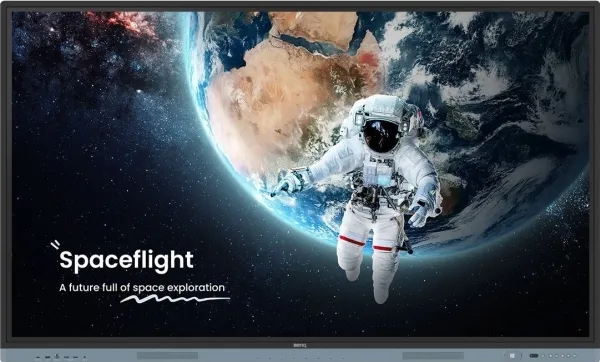
BenQ Board Master Explore new possibilities Unleash your teaching potential with the best tools for today’s classrooms.
Google-powered lessons Harness the power of BenQ hardware and Google services for education with the EDLA-certified BenQ Board Master RM04.
Easy app access
Enhance your lessons with interactive educational apps from Google Play.
Google essentials
The RM04 comes with Google Core Services such as Google Drive and Meet.
Collaboration tools
Fully utilize Google Docs, Sheets, and Slides on a large touchscreen display.
Convenient file access Open files from your Google Drive to teach with material you’ve prepared beforehand, and save them right back onto the cloud so you can always have access to the latest files.
Enhanced security Google’s security features on the RM04 prevent data leaks, phishing, malware, and data loss.
Personalized screen You can change the layout of your Home screen by moving apps, putting them in folders, or dragging them to a new page.
Google Search Look up information and access lesson materials in an instant without having to open the browser.
Widgets Add widgets—like sticky notes and the calendar—to display the information that matters to you and your students.
Voice assistant Let your voice guide your lessons using Google Assistant via the RM04 remote control.
AI tools for more inclusive lessons
Text-to-speech
Hear text as it is displayed or written on screen.
Multilingual translation
Translate text in numerous languages for more context-rich lessons.
OCR
Easily edit text from photos and scanned pages.
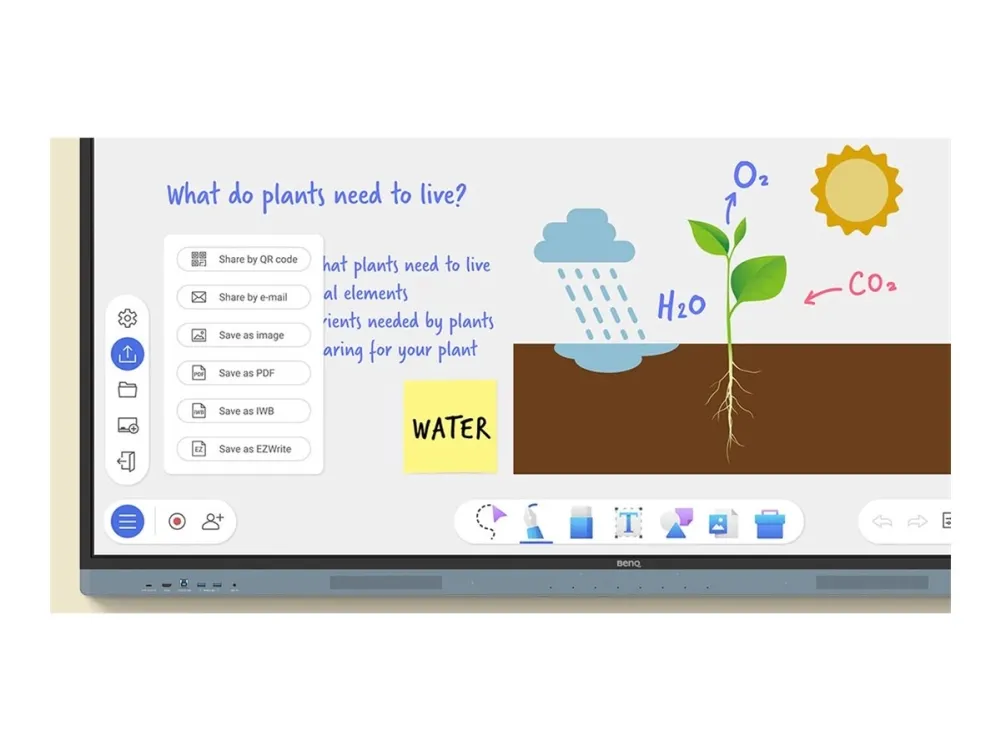
Whiteboard without limits Enhance your lessons using EZWrite, a powerful whiteboard that’s packed with classroom tools you can use for more engaging face-to-face or hybrid classes.
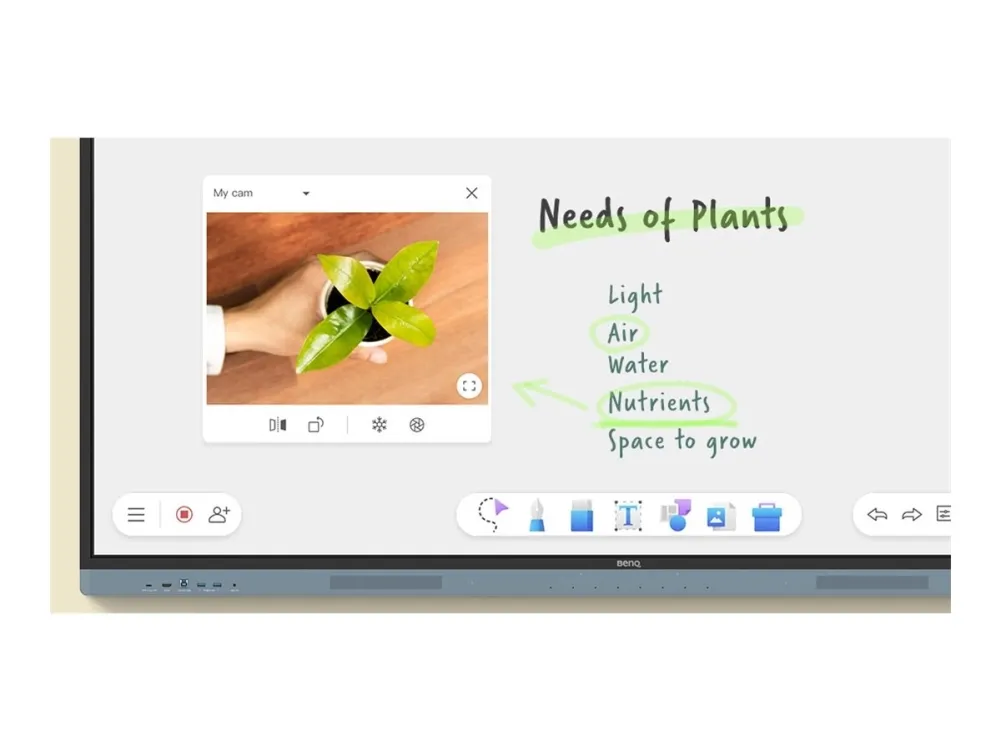
More than just a whiteboard EZWrite 6 lets you do a lot more than just write, draw, and add text. Use the expandable canvas, split the screen for competitions, insert templates, use math tools, or show a live camera feed.
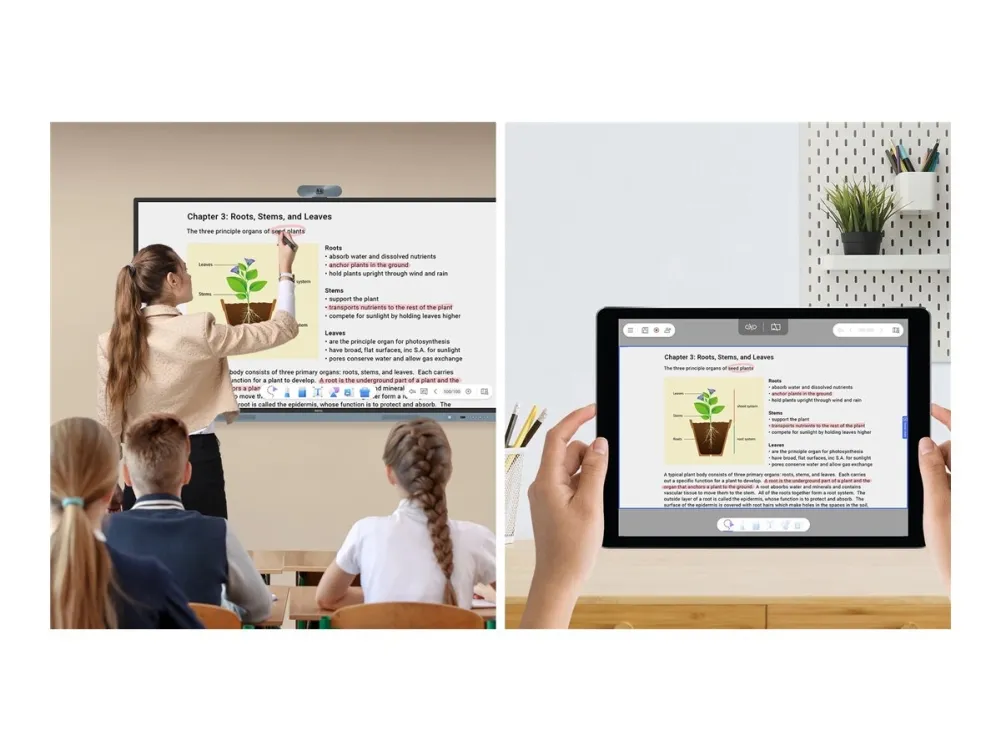
Import and export files Open PowerPoint, Word, Excel, and PDF files to teach with and make notes on during class. When you’re done, save the lesson as an editable whiteboard file to pick up where you left off or as a PDF for students to review at home.
Extend your classroom Cloud whiteboarding lets students join the session from their seats or even from home. Remote students can use the whiteboard as if they were right on the display. ?
A smarter teaching environment Everything you need to enhance the way you teach is already on the RM04.
Maximize teaching efficiency Whiteboard while searching the web on the same screen. Activate the split-screen mode and have two apps open side by side for more dynamic lessons.
Log in. Load. The RM04 offers efficient and secure ways to log in, load your personal settings, and access your cloud storage. You can either tap your NFC card or just scan the board’s QR code with your phone.
Tools within reach Pull up the Floating Tool to annotate, take screenshots, or even record videos while you’re using apps, browsing files, or scrolling through sites on the board.
Quick access every time Tap the sidebar to quickly switch input sources, go back to the Home screen, or get a menu of your most-used apps.
Front-facing ports The multiple front ports include a full-functioned USB-C port that provides 65W of charging and allows you to extend your laptop screen and gain touchback controls.
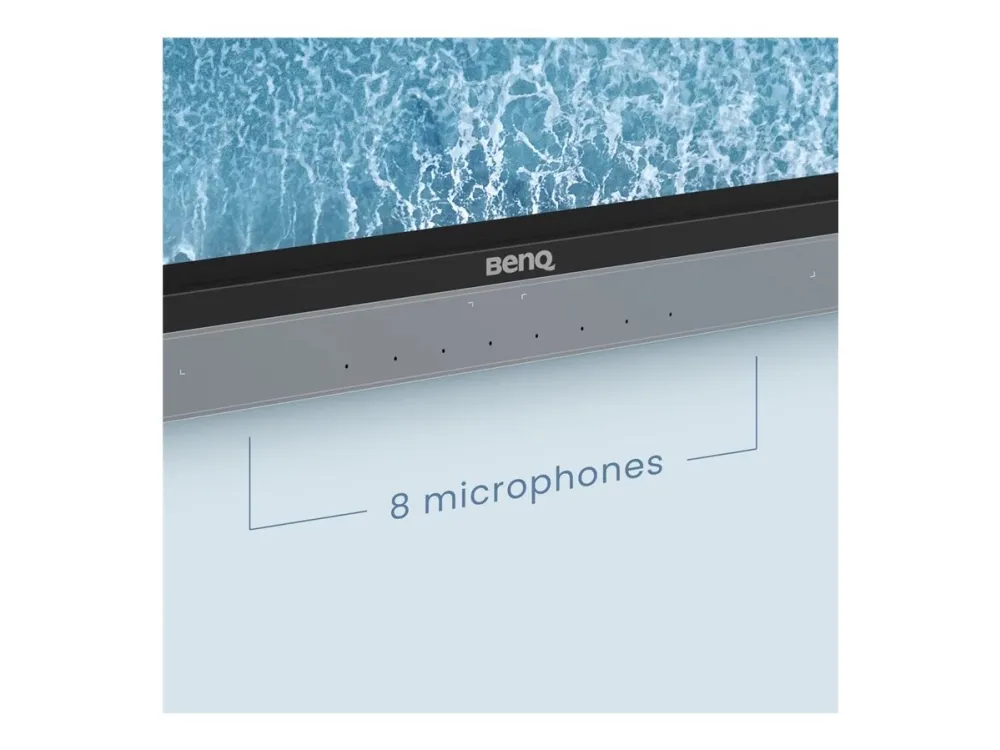
All-around sound The two 20-Watt front-facing speakers provide room-filling sound for any class. Together with the 8-microphone array, they ensure that everyone can hear and be heard during calls or audiovisual lessons.
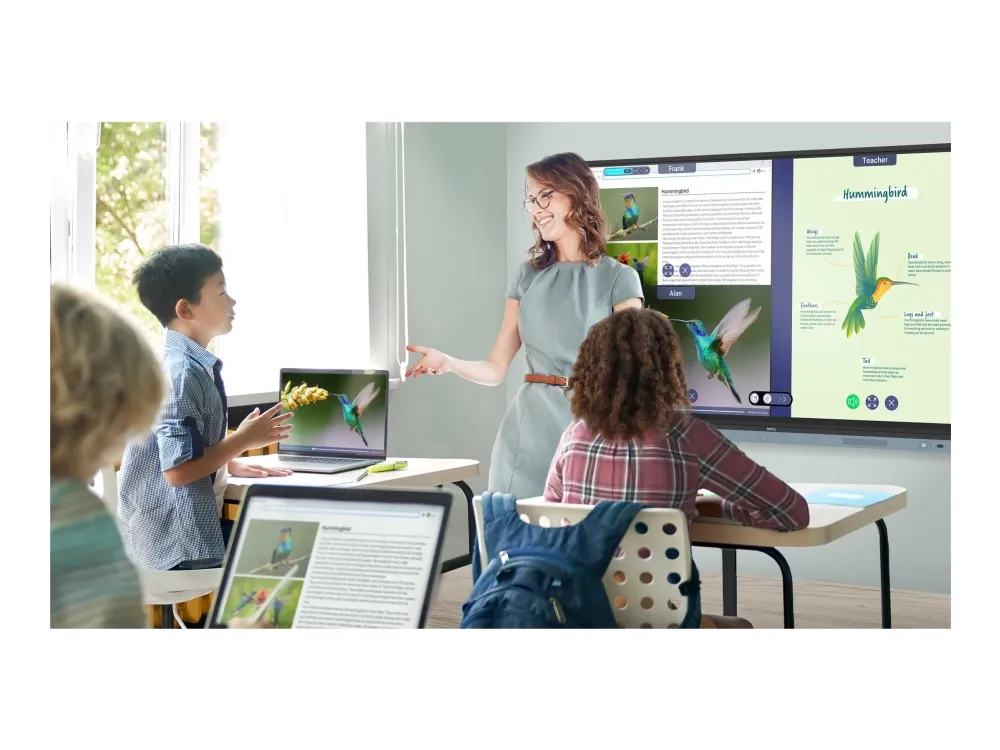
Smooth and intuitive writing The BenQ Board Master allows multiple students to interact intuitively with the display at the same time for group work and other classroom activities.
40 touch points
The RM04 allows up to 40 touch points to let everyone interact on the display at the same time.
Natural writing
Zero gap between the glass and panel makes writing feel as smooth as writing on paper.
High Precision IR
High Precision IR touch provides the most accurate writing experience of any BenQ Board.
Seamless idea sharing Wirelessly share content onto the RM04 from anywhere in the room. Cast lesson materials from your laptop or let multiple students share their screens with InstaShare 2.
Present diverse content InstaShare 2 does more than screen sharing. You can also cast photos, videos, or your live camera feed for more dynamic presentations and discussions.
Tap and share Share pictures, videos, and other educational content directly from your Android phone by simply tapping it on the BenQ Board’s NFC reader. *Available by the end of March.
Keep things in order Even with multiple students sharing, it’s easy to take control of the session on InstaShare 2. You can select which screens to show or hide, decline sharing requests, and even block inappropriate content with AI.
Effortless management BenQ’s device and user management platforms allow IT staff to maintain their BenQ Boards without added complexity. We help significantly reduce their workload so they can focus on other tasks.
Identity management syncing Expedite user list management by syncing your BenQ Board user account list with your existing lists on Google Workspace, Microsoft Entra ID (formerly Azure Active Directory), ClassLink, LDAP, or other SAML-based identity provider.
Device and app management Remotely monitor and manage all your BenQ devices. Install, update, and delete apps from a single dashboard that also lets you push firmware updates and set startup and shutdown times.
More secure boards The RM04 protects your school’s data through secure login options, strict access controls, regular system updates, and app scanning via Google Play Protect.
Comprehensive analytics Learn how your BenQ Boards are used and which apps are the most popular. Select specific devices and data points to generate more informative reports.
School-wide communication Deliver clear messages to multiple BenQ displays with X-Sign Broadcast. Keep everyone informed and up to date on events, safety protocols, and emergencies.
ClassroomCare® Protect student health in classrooms The BenQ Board Master is fitted with ClassroomCare® features that help schools make every classroom a healthier place for learning.
Only the best for your eyes The RM04 is Eyesafe® Certified 2.0, offering the highest level of protection available for the eyes. It reduces eye strain by effectively reducing high-energy blue light without altering the vivid colors displayed on screen.
Defend against germs The RM04 helps reduce the transmission of germs in the classroom with its TÜV-certified antimicrobial screen and buttons that are 99.9% effective against common germs.
Extended protection Sharing tools in classrooms may lead to the spread of germs. That’s why the RM04’s remote control and pens are also germ-resistant.
IP5X dust protection Even in dust-prone classrooms, the RM04 ensures consistent operation. Its panel is compliant with IEC standard 60529.
HP Support Assistant, HP PC Hardware Diagnostics UEFI, Microsoft Push Button Recovery, HP Setup Integrated OOBE, HP System Event Utility, HP Documentation, HP Connection Optimizer, HP Privacy Settings, HP SSRM, HSA Fusion for Commercial, HSA Telemetry for Commercial, HP Touchpoint Customizer, HP BIOS Recovery, HP Smart Support, Dropbox Promotion, Bing-søk etter IE11, McAfee Online Protection (30 dagers prøveversjon), Adobe offer
Nettsurfing via Wi-Fi: inntil 8 time(r) Videoavspilling: inntil 7 time(r) Lydavspilling: inntil 95 time(r) Taletid: inntil 26 time(r) 3G-nettsurfing: inntil 7 time(r)
Auto-negotiation, Syslog-støtte, portspeiling, lagring og fremsending, halv dupleksmodus, full dupleksmodus, DDMI, STP-støtte, støtte for RSTP, DHCP-snusing, DHCP-server, nullstillingsknapp, båndbreddekontroll, uten vifte, LLDP-støtte, DHCP-overføring, CoS, 8KV ESD Protector, metallhus, støtte for DSCP, køplanleggingsstøtte
Programvare / Systemkrav
Vähimmäiskäyttölämpötila
Intel 810
Enimmäiskäyttölämpötila
100 MHz
Löydämme tuotteen järjestelmästämme helposti seuraavalla tuotenumerolla
EAN:
4718755092503
SKU:
9H.F9CTK.DE1
SKU:
9H.F9CTK.DE5
Miksi samalla tuotteella on monta eri tuotesivua tai tuotenumeroa?
Valmistajat usein julkaisevat saman tuotteen monella eri tuotenumerolla. Usein eroa on vain pakkauksessa. Eri tuotepakkaus saattaa olla suunniteltu eri valtioille.
Yritämme parhaamme mukaan laittaa samat tuotteet saman tuotenumeron alle, mutta joskus sama tuote on eri tuotenumeroilla sivullamme.