Tuotetta on etävarastossamme. Toimitusaika noin 4-5 arkipäivää. Lisätietoja
Toimitusvaihtoehdot - Valitaan kassalla
Bring - Toimitus huoltopisteeseen
Ilmainen toimitus
Bring - Kotiinkuljetus -arkisin.
10,03
EUR
1.184,95
ilman ALV 944,18
Kokonaishinta sis. toimitus
1.184,95
Tämä toiminto vaatii sisäänkirjautumisen. Luo käyttäjä ja voit käyttää listojamme esim. säännöllisiä ostoksia ja toivelistoja varten Luo käyttäjä Kirjaudu
Driver-Free Screen Mirroring for Huddle & Small Rooms
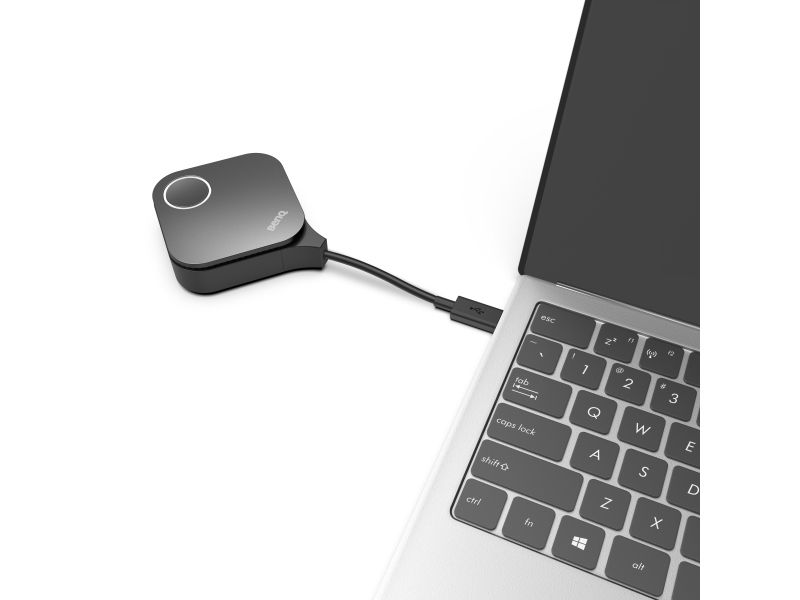
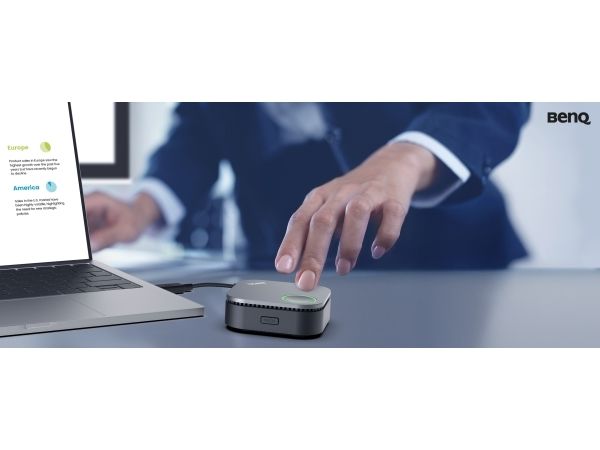
Launch Wireless Presentations Instantly InstaShow enables instant plug-and-play wireless presentations—no apps, drivers, or network setup required. Presenters—even guests—can access professional-grade presentations with a tap.
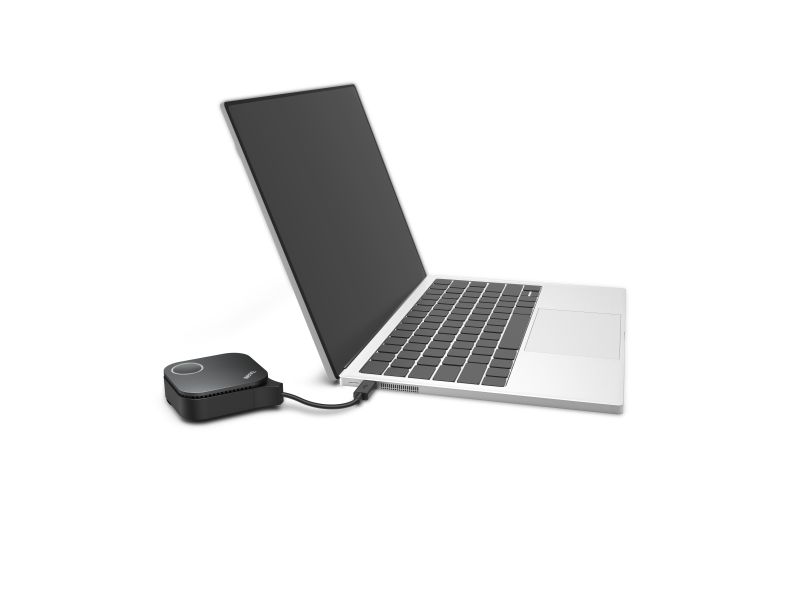
No Driver Needed No drivers needed—just plug in and share your screen instantly during meetings.
No App Download Required No software or app required—just plug in and instantly share content during your meeting.
No Network Setup Required No complex network setup or IT help needed. Receiver and button pair automatically—just plug and play to start presenting instantly.
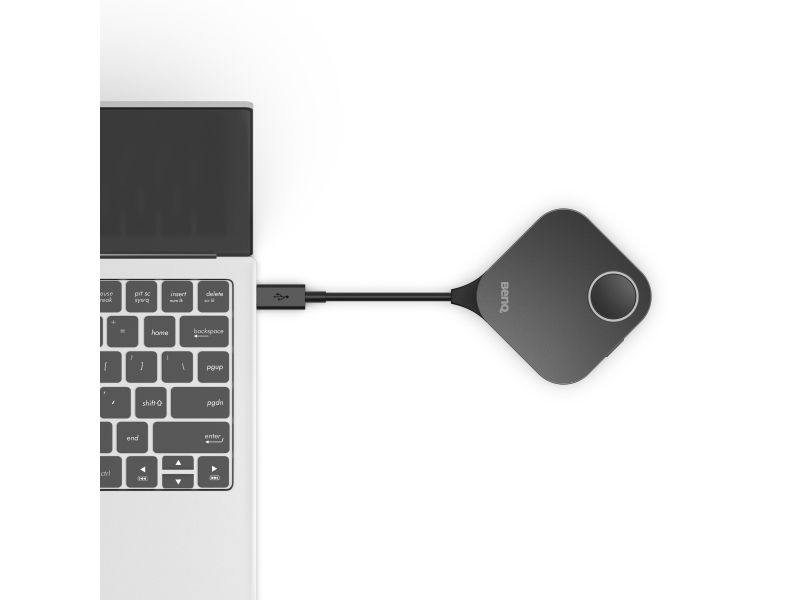
Guest-Friendly Design Guests can present instantly via HDMI or USB-C—no app or login required. Securely share from any laptop, including MacBook and Chromebook, keeping meetings on track.
3 Steps for One-Time Wireless Presentation Setup Set up once—no need to rebuild for every meeting. Save time, cut support, and let presenters start instantly by plugging in.
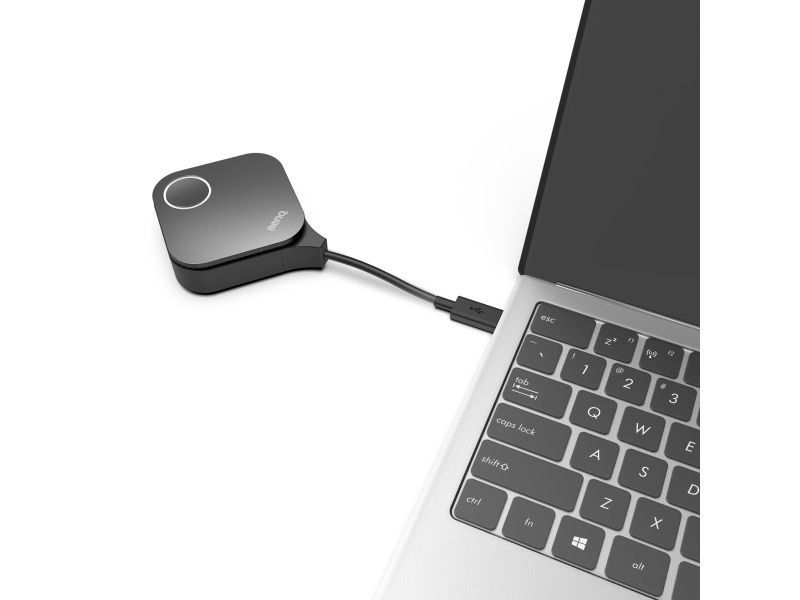
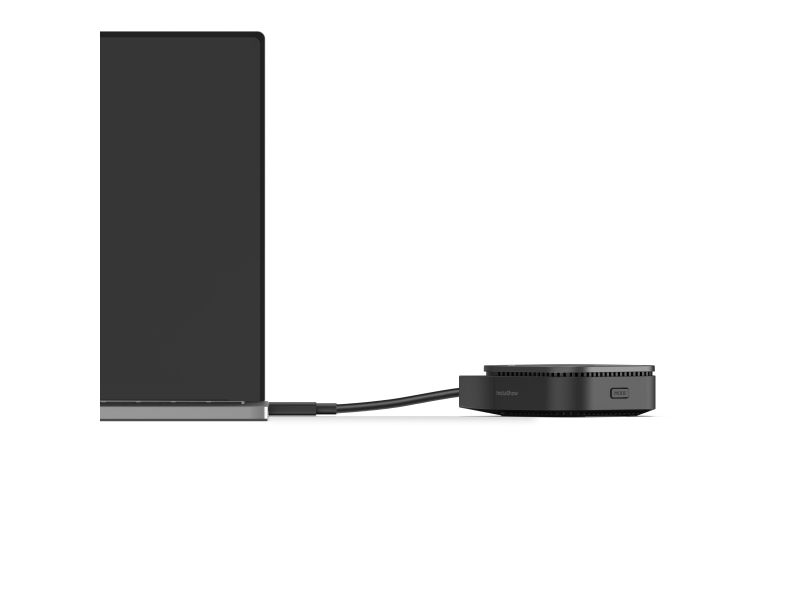
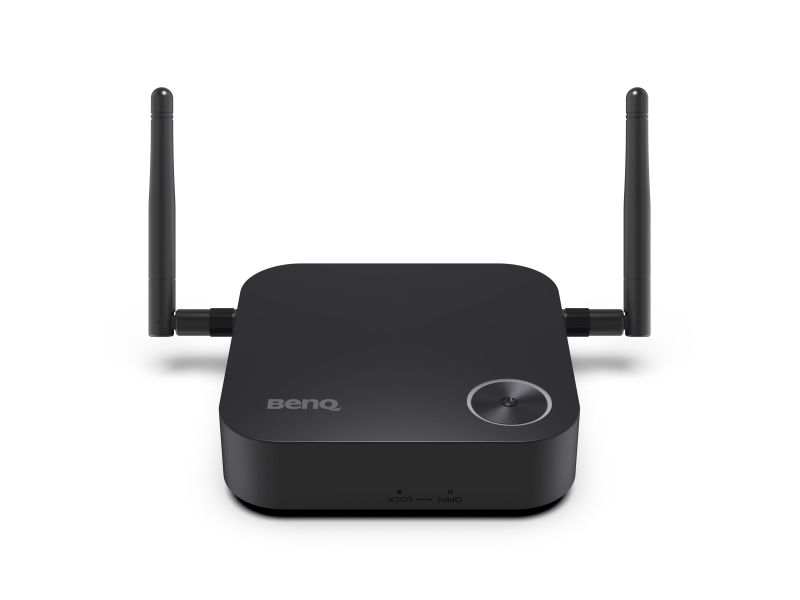
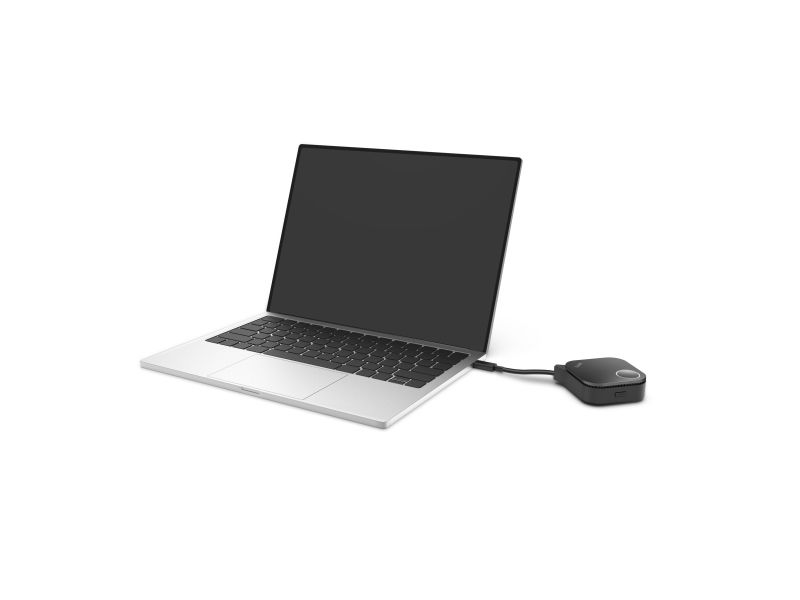
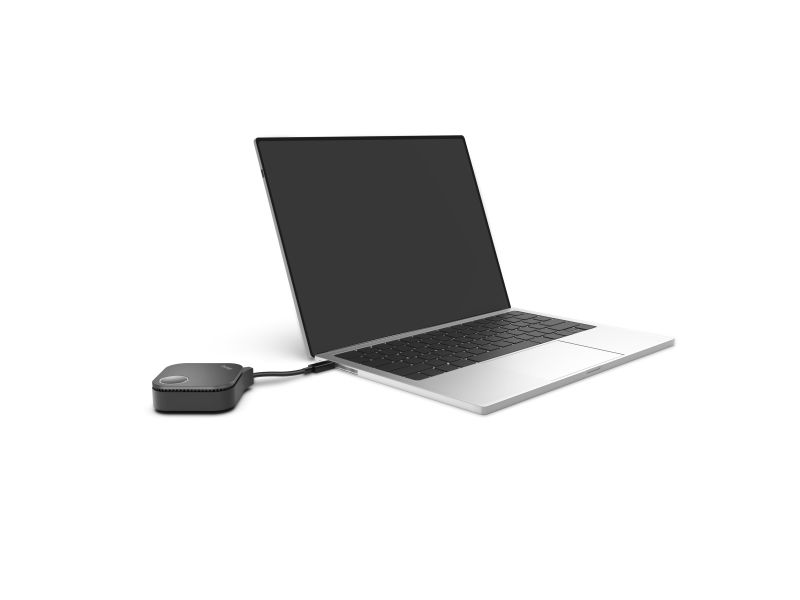
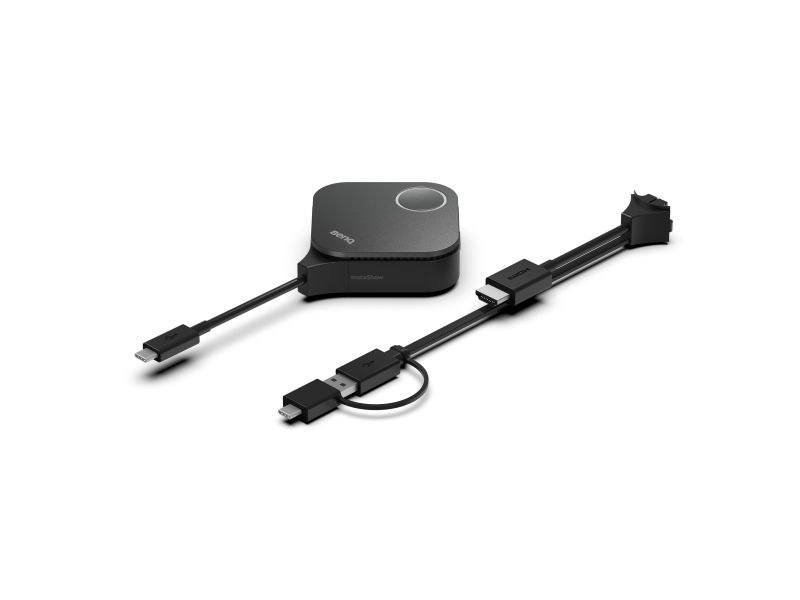
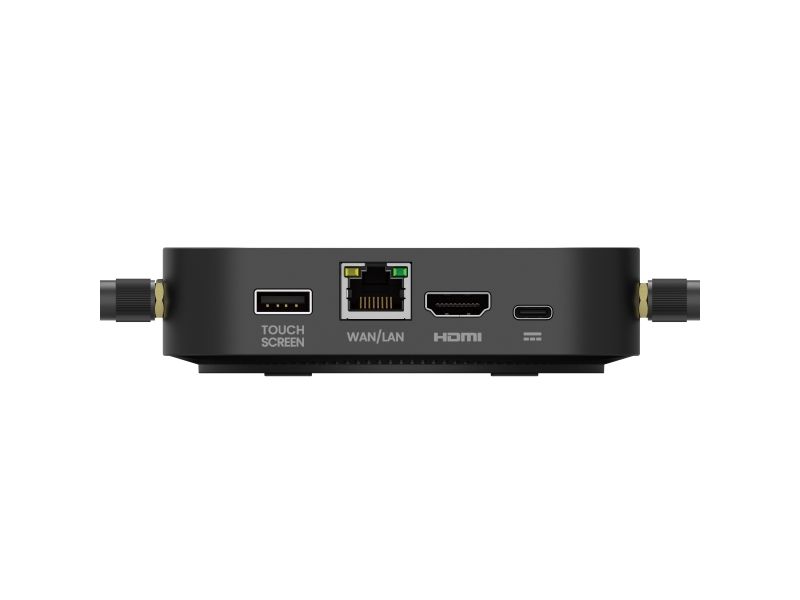
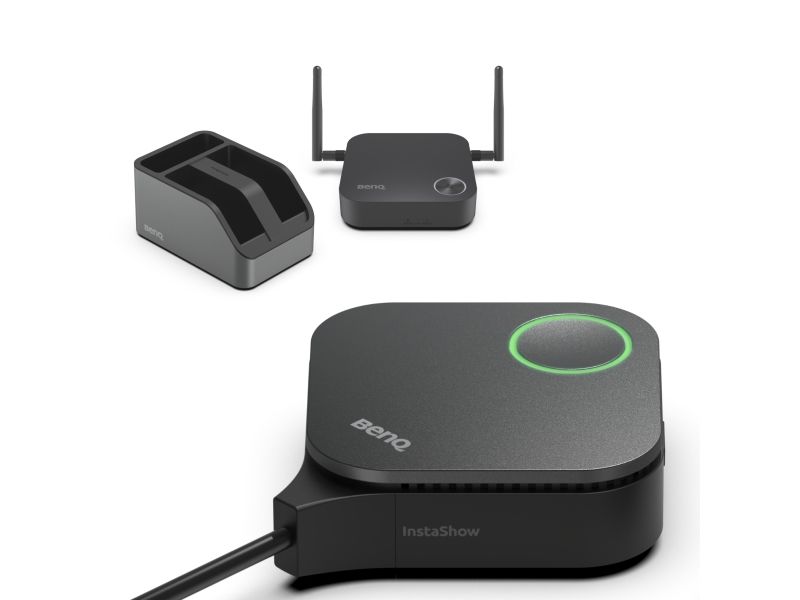
Steps: 1. Connect display to Receiver via HDMI cable 2. Plug Button into presenter's laptop *Supports Windows, MacBook, or Chromebook systems. 3. Share content from presenter's laptop via Button
Seamless 4K UHD Transmission Enjoy smooth 4K UHD transmission with full support for 4K, HDCP, and Touchback control—delivering professional, interactive presentations every time.
Crisp 4K Transmission Without Lag Showcase 4K content smoothly, with no distortion or stutter, delivering powerful visuals that convince decision-makers.
Direct Touch Control on Display Control content right from the interactive display—no interruptions, just smooth and natural interaction.
Smooth Streaming of Protected Content App-free design boosts PC performance, ensuring smooth, lag-free HDCP content playback for seamless presentations.
Superior Encryption Security Advanced encryption and CVSS 4.0 certification guarantee secure data transfer with no risk of leaks.
Zero Software or Network Setup No software or internet needed, minimising risks and keeping sensitive data safe from breaches and hacks.
WPA3 Security Protection WPA3 encryption secures the receiver-button connection, keeping every presentation safe, secure, and reliable.
HDCP Support Supports HDCP-encrypted HDMI content, letting presenters connect devices without security errors or blank screens.
CVSS 4.0 Certified Security Certified to CVSS 4.0 by ISO27001 & ISO17025 labs for guaranteed information security.
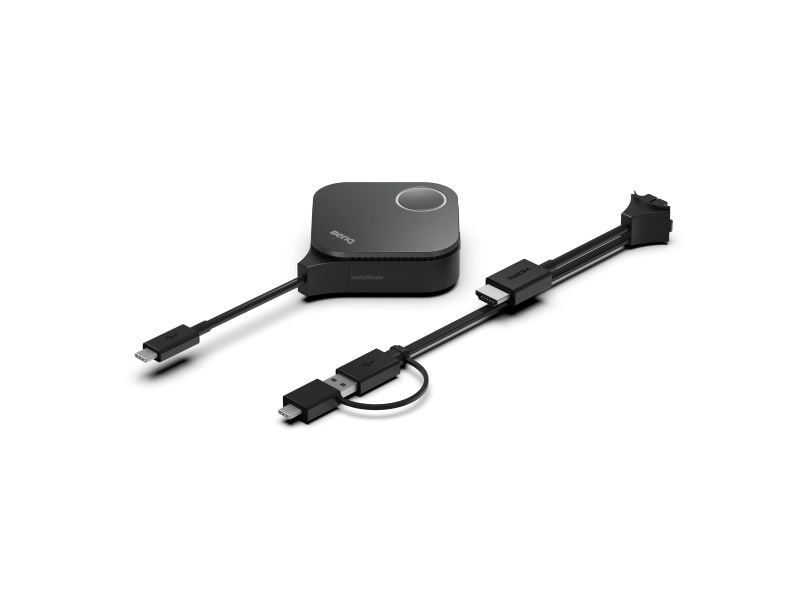
Hassle-Free Maintenance Swappable plugs speed up maintenance, making device upkeep quicker and easier.
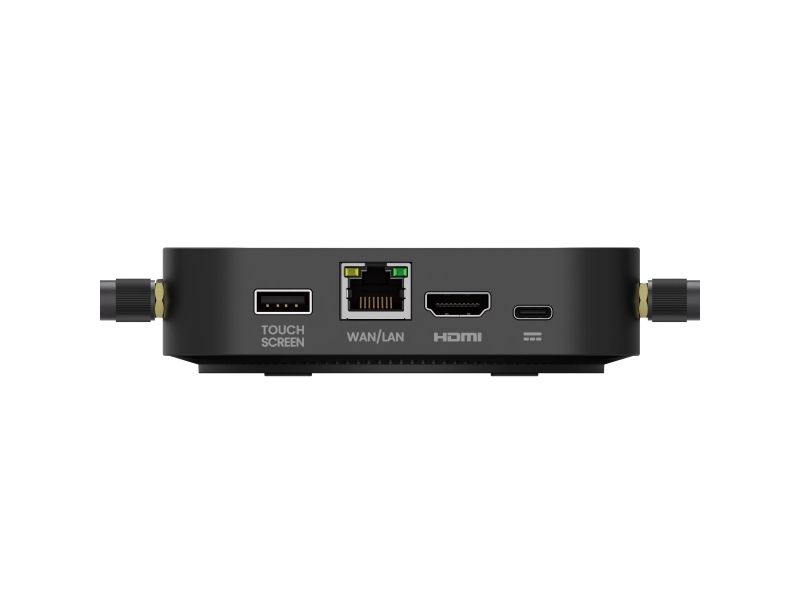
Versatile Connection Design Quickly switch between HDMI and Type-C for easy maintenance and seamless device use.
Tuotekuvaus
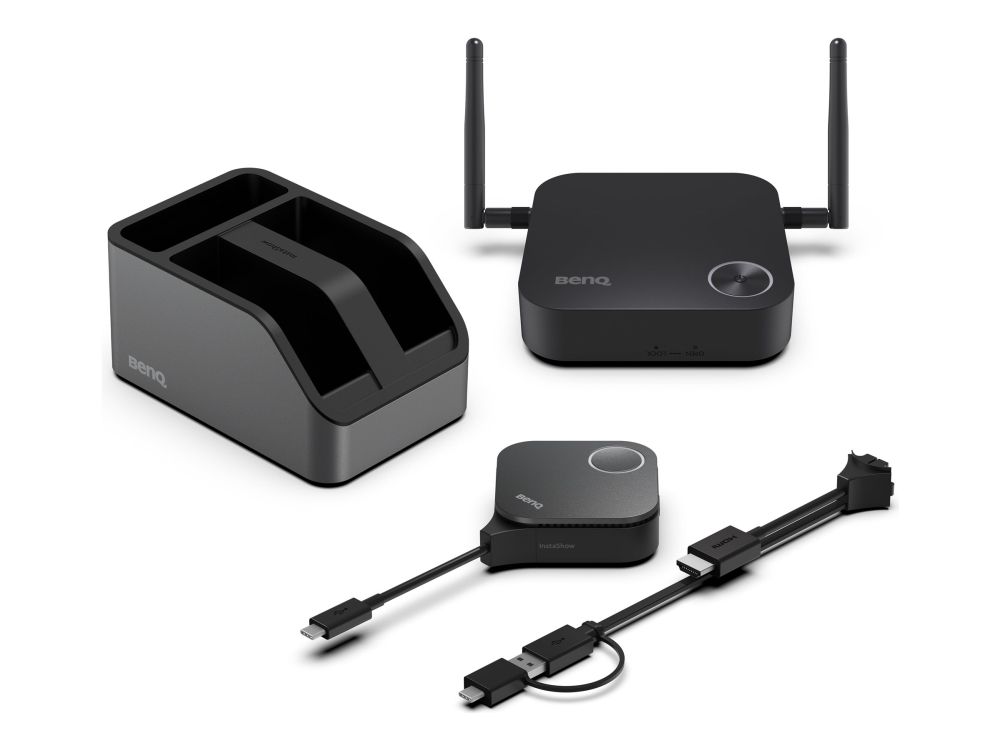
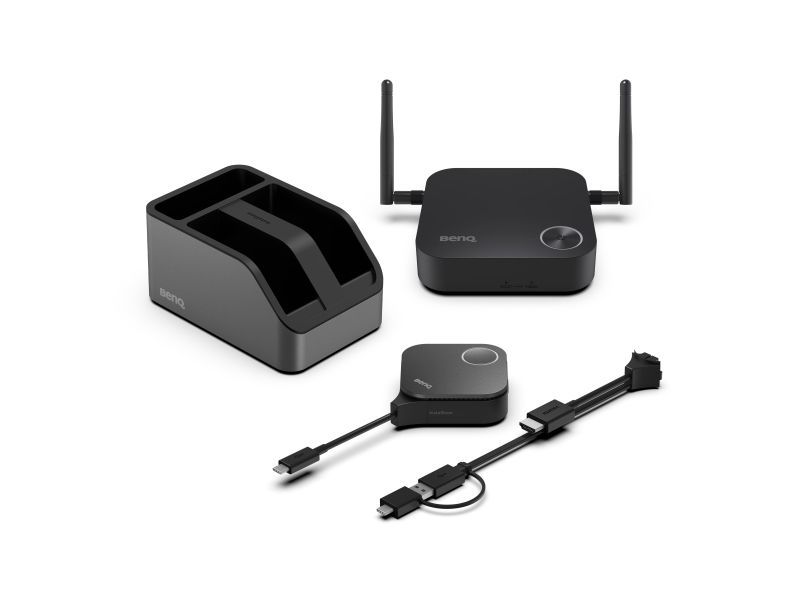
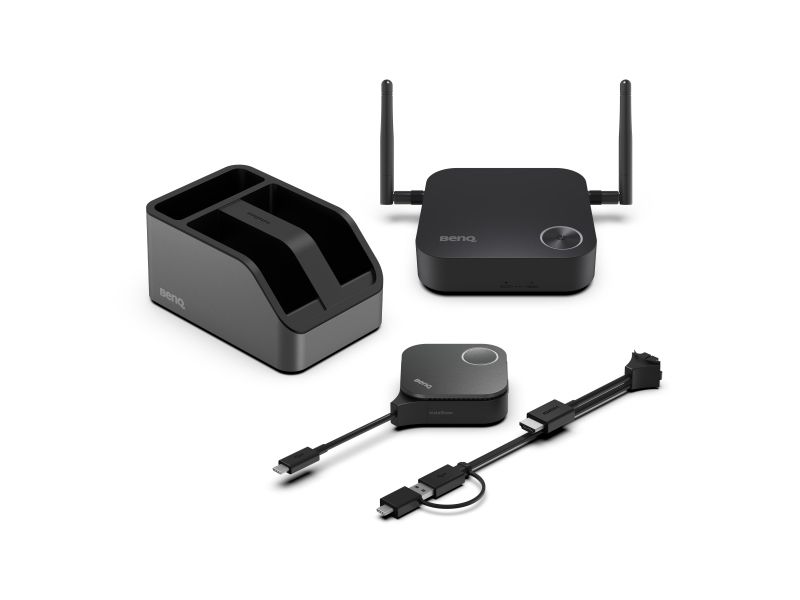
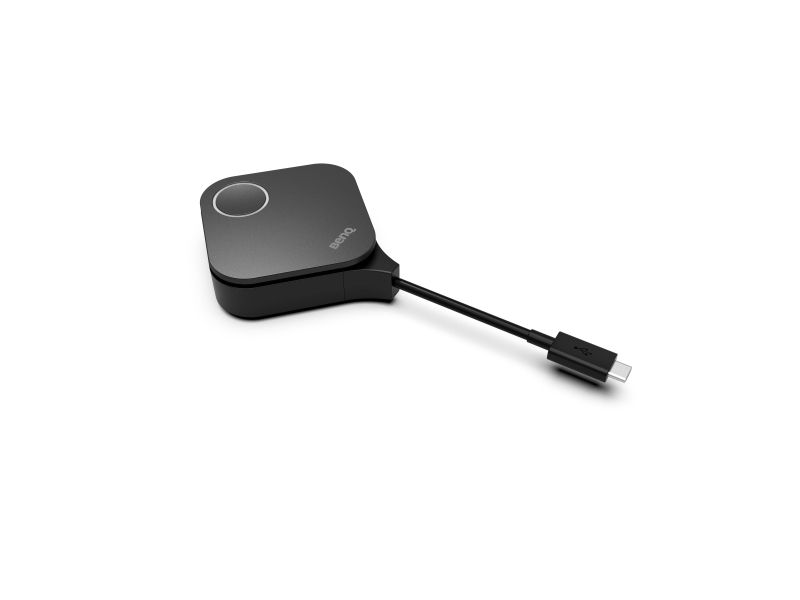
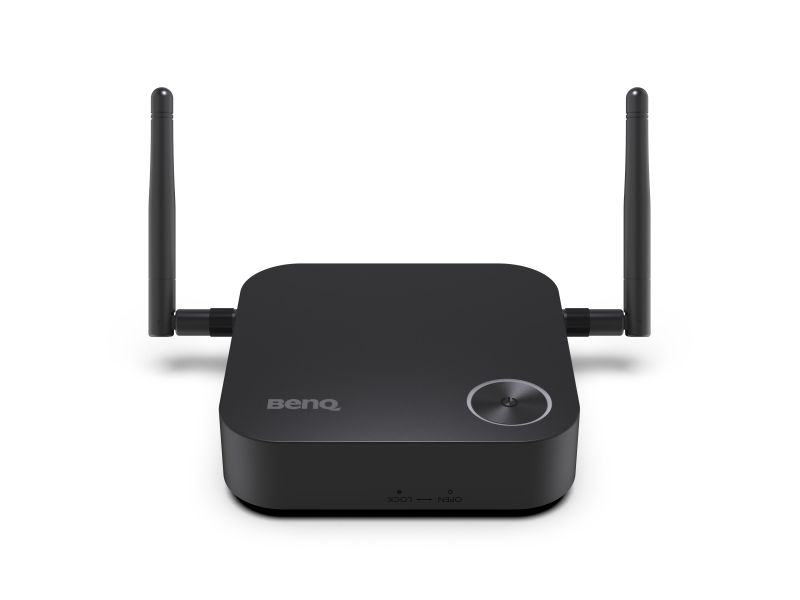
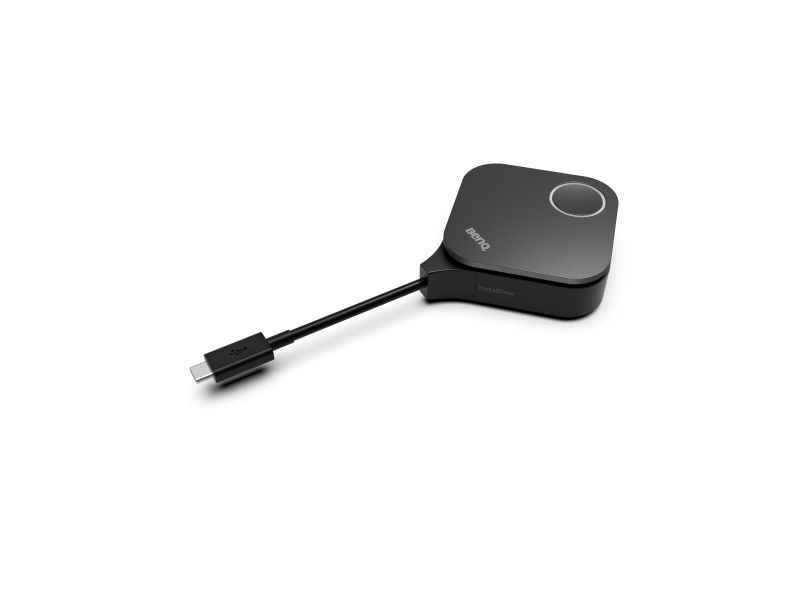
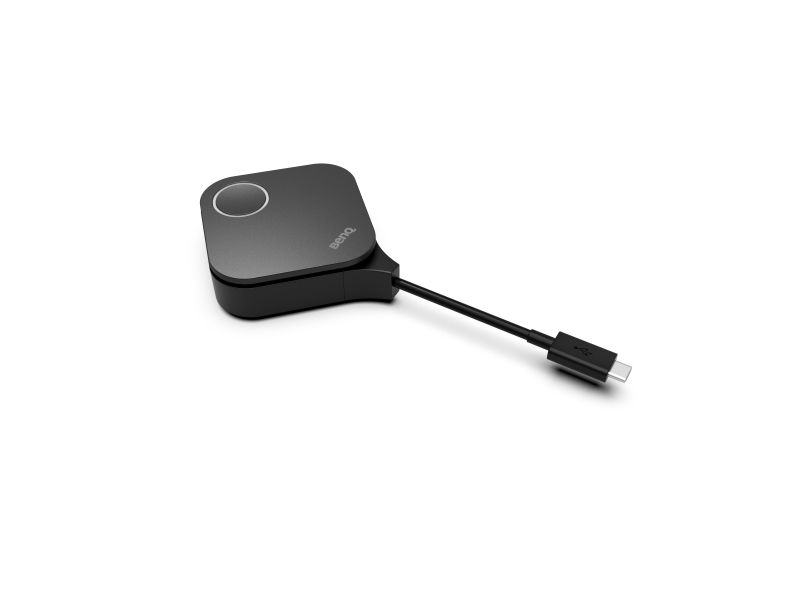
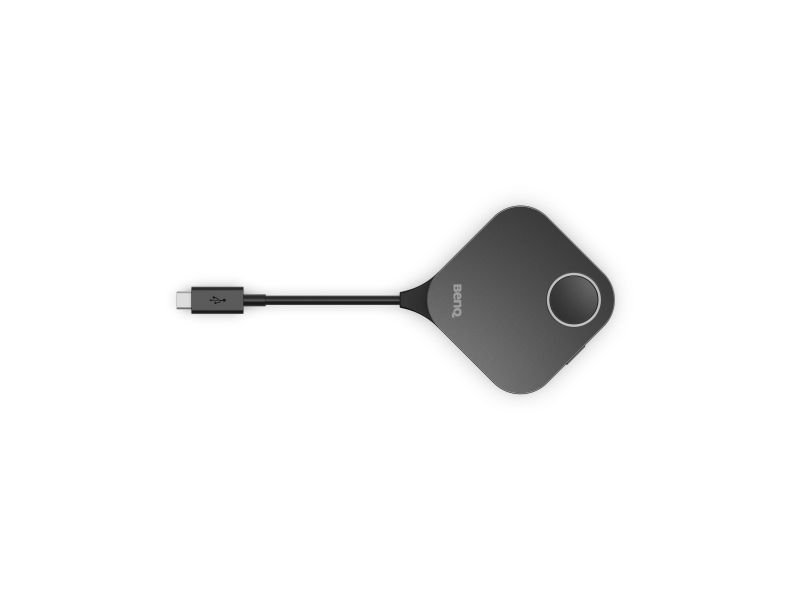
BenQ InstaShow WDC15 - Huddle- ja pienissä huoneissa - videoneuvottelupakkaus - TAA-yhteensopiva
Laitteen tyyppi
Videoneuvottelupakkaus
Pakkauksen sisältö
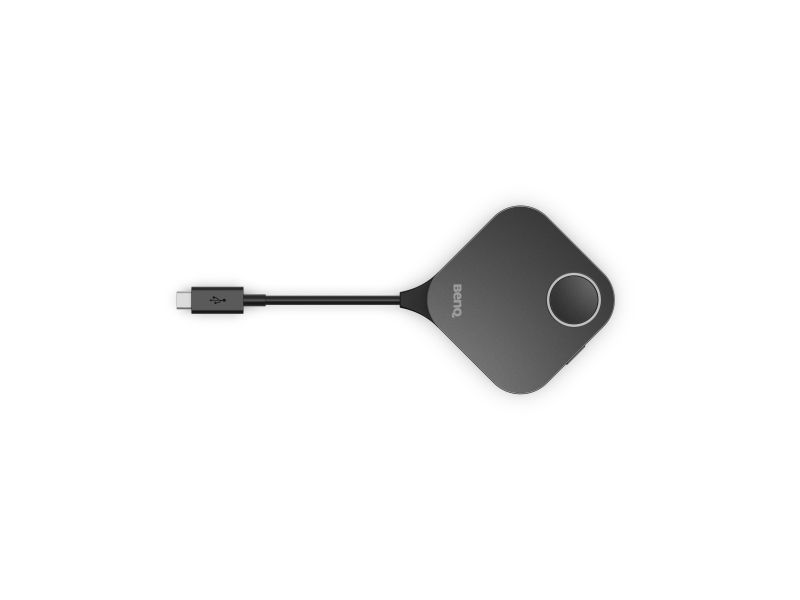
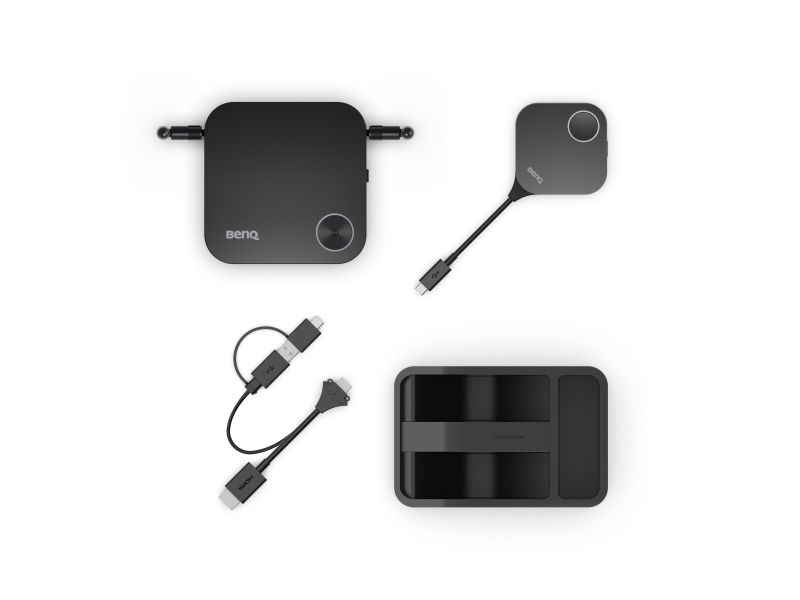
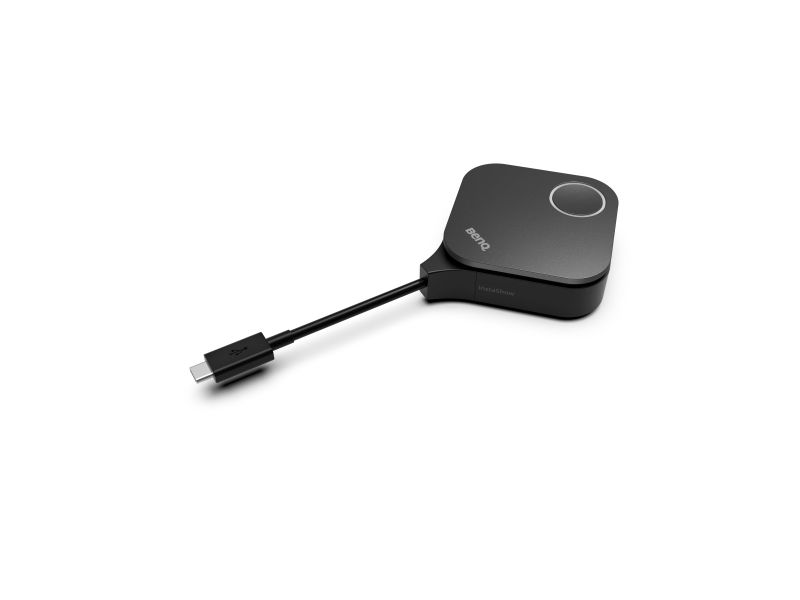
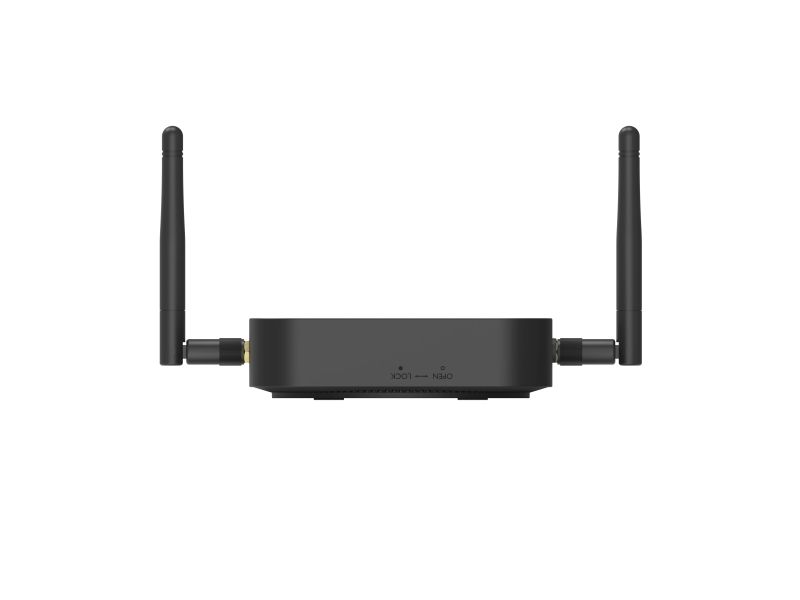
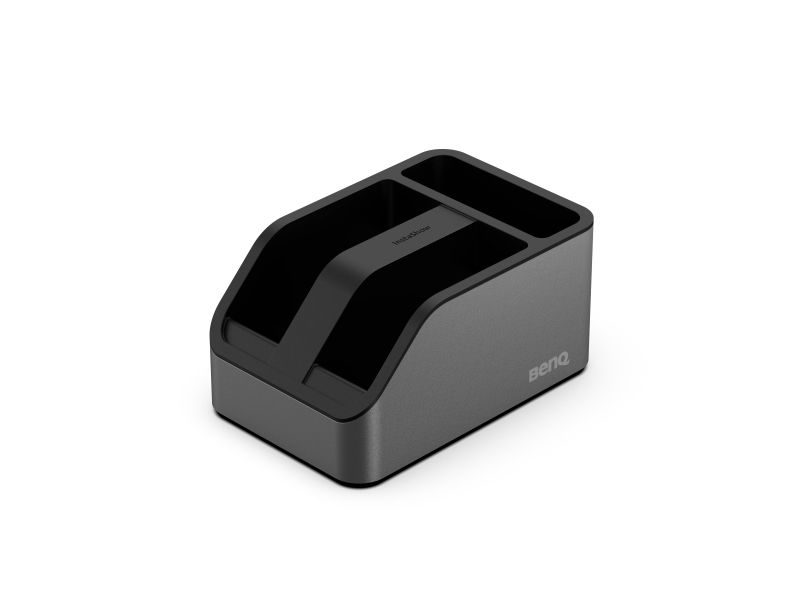
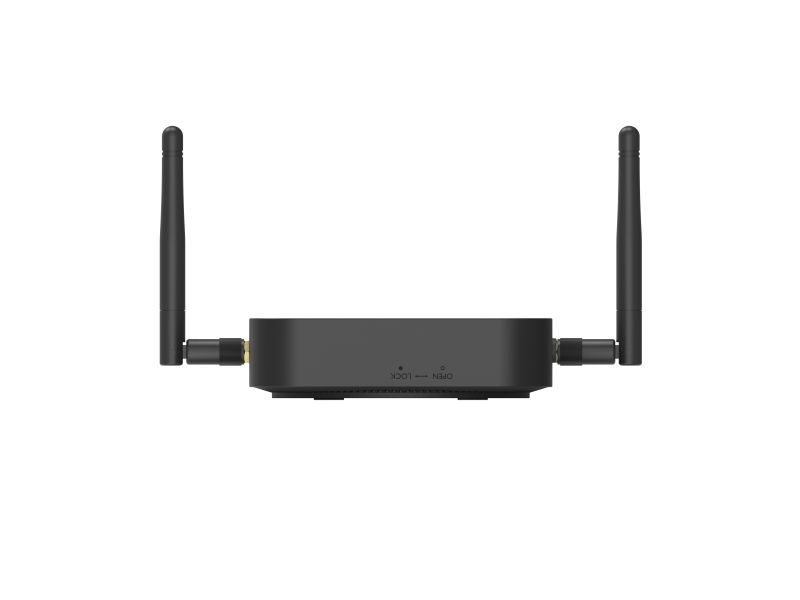
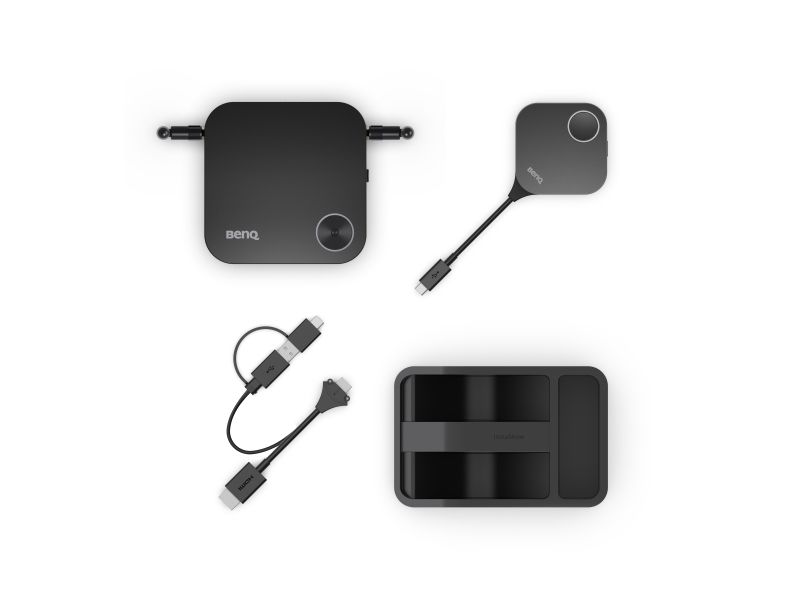
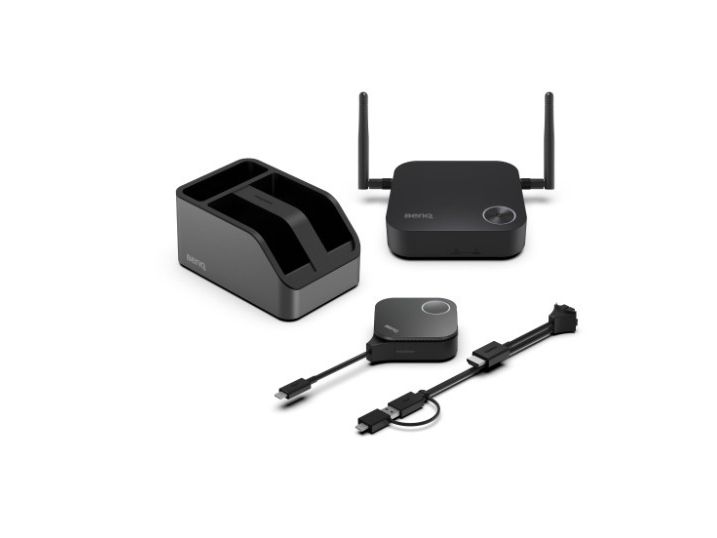
InstaShow-painike, InstaShow-vastaanotin
Videolähtö
3840 x 2160
Verkkoyhteydet
IEEE 802.11ac, Ethernet, Fast Ethernet, Gigabit Ethernet
TAA-yhteensopivuus
Kyllä
Järjestelmävaatimukset
Apple MacOS, Google Chrome OS, Microsoft Windows, Linux
Generelt
Laitteen tyyppi
1 Mbps
Kotelon väri
2 x minne - SO DIMM 72-pin
Programvare / Systemkrav
Vähimmäiskäyttölämpötila
Intel 810
Enimmäiskäyttölämpötila
100 MHz
Löydämme tuotteen järjestelmästämme helposti seuraavalla tuotenumerolla
EAN:
4718755096419
SKU:
9H.K0EBY.E0E
Miksi samalla tuotteella on monta eri tuotesivua tai tuotenumeroa?
Valmistajat usein julkaisevat saman tuotteen monella eri tuotenumerolla. Usein eroa on vain pakkauksessa. Eri tuotepakkaus saattaa olla suunniteltu eri valtioille.
Yritämme parhaamme mukaan laittaa samat tuotteet saman tuotenumeron alle, mutta joskus sama tuote on eri tuotenumeroilla sivullamme.